What is a snagging report?
A snagging report is an independent inspection of a new-build home that lists the defects, unfinished work and finishing faults the developer is expected to put right. Each snag is recorded with its location, a description, a severity and, where relevant, the warranty chapter or Building Regulation it engages.
- Basis
- Not a statutory report. It sits against the contract of sale, the new-home warranty, and the Building Regulations.
- Produced by
- An independent snagging inspector or building surveyor instructed by the buyer — not by the developer.
- What it covers
- Defects and unfinished work visible on a non-invasive inspection — outside, inside and to the services — each graded cosmetic, functional or safety.
- What it excludes
- Valuation, opening up, structural investigation and testing of services. It is not an RICS home survey and not a warranty provider's own inspection.
What a snagging report looks like
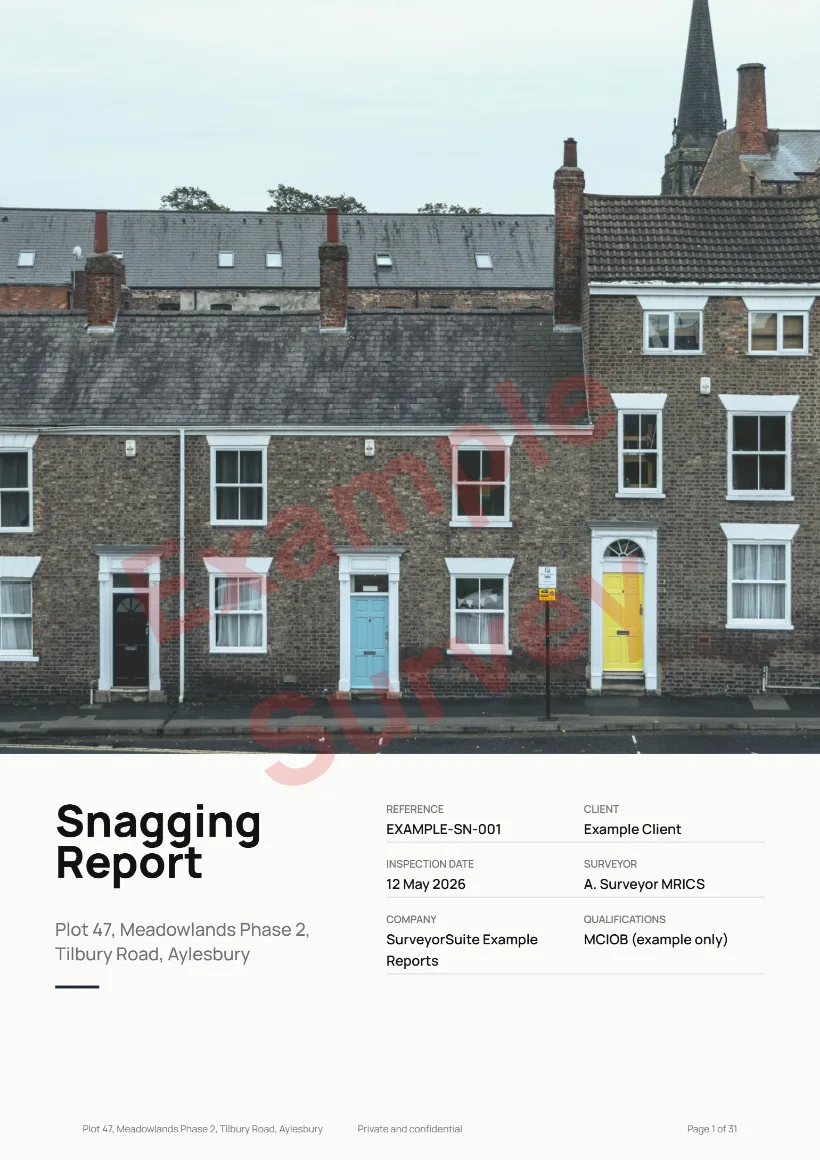
Scroll through a complete report, from the warranty and compliance check to the snag list and the handover summary. The notes alongside explain each part as you go. The content is fictional and the photos are placeholder slots.
Loading example…
Styled to your firm
Your logo and accreditation marks, your brand colours, and your choice of cover, header, footer and photo layout. Set it once in Settings and every report follows.
Or your own report, built for you
Keep the format your firm already uses: we recreate it as a private template, or build a report type we don’t list. You approve a real PDF before you sign up. Bespoke report templates →
What goes in a snagging report
Every defect logged once with its location, photograph and priority — graded so the developer knows what must happen and when, without you typing the same sentence forty times.
A snagging inspection is a defect-finding exercise, not a condition survey, and the report is written to be worked through by someone else — usually the site manager. It opens with the inspection record: who attended and on what basis, the date, the weather, the stage the build had reached, and anything that could not be reached on the day. A snag list is only as good as its provenance once the developer starts disputing items.
The compliance position comes next — warranty provider and certificate status, Building Regulations and completion certificates, and the life-safety installations: smoke alarm grade and coverage, carbon monoxide detectors, fire door ratings, and commissioning of the boiler and mechanical ventilation. These are the items where a defect is not a snag but a regulatory failure, which is why they are recorded apart from the rest.
The inspection divides into the external envelope, the internal finishes and the services. Externally: brickwork and render, roof coverings and chimney, fascias, soffits, guttering and downpipes, windows and external doors, the garage, drainage, and the drives, paths, fencing and landscaping developers routinely leave unfinished. Internally: walls, ceilings and floors, doors and windows, skirting and joinery, the staircase, kitchen units and worktops, bathrooms and tiling, decoration and the loft. Services are visually checked and operated rather than tested by instrument — and the report should say so plainly, because a snagging inspection is not an electrical or gas test and must never be read as one.
It closes with a summary the developer can act on: what was found, what was checked and found satisfactory, which certificates were produced, whether practical completion has in fact been achieved, and when the property should be re-inspected — then the inspector’s signed statement, with qualifications and disclosure of any AI assistance used in drafting.
When to commission a snagging inspection
A snagging report is commissioned by the buyer, not the developer, and its value is almost entirely a matter of timing. New-home warranties commonly run for ten years, but they are not one thing throughout: in the first two years the builder is responsible for most defects, and after that cover typically narrows to structural elements. Two of the four inspections below sit either side of that cliff edge. The same template is also used for extension, refurbishment and conversion works, where the inspection happens once the contractor's works are substantially complete and before the final payment is released.
Pre-completion
Before the buyer legally completes. The strongest position to inspect from — the property is empty, the developer still has trades on site, and completion has not yet been signed off. Access is at the developer's discretion and is not always granted.
At completion
On handover day. Records the condition of the property at the moment ownership transfers, which matters later if a dispute arises about whether damage predates occupation.
Post-completion
In the first weeks of living there. Faults that only show up in use — heating balance, ventilation, water pressure, doors moving as the building dries out — are visible now and were not on handover day.
The de-snag, before the builder's period ends
Usually booked a month or two before the end of the two-year builder defects period. It catches what a year of occupation has revealed — shrinkage cracking, settled finishes, services underperforming — and is the last practical chance to put items to the developer directly rather than to the warranty provider.
Snagging report vs an RICS home survey
They answer different questions. A snagging report asks what the developer still has to finish; an RICS survey asks what condition a property is in and what that means for the buyer.
| Comparison | Snagging report | RICS Level 1 — Condition Report | RICS Level 2 |
|---|---|---|---|
| Property it suits | A new build, or works just finished | A conventional home in reasonable condition | Most conventional homes, including older stock |
| Question it answers | What has the developer not finished or not done properly? | Is there anything about this property's condition that should stop me? | What condition is it in, what needs doing, and what should I do about it? |
| How findings are recorded | Individual defects, listed one by one with a location | A condition rating and one short narrative per element | Description, defects and recommendations, kept separate per element |
| Grading used | Cosmetic / functional / safety, plus a priority | Condition ratings 1, 2 and 3 | Condition ratings 1, 2 and 3 |
| Who is expected to act on it | The developer, under the contract and the warranty | The buyer and their legal adviser | The buyer and their legal adviser |
| Standard behind it | Contract of sale, warranty terms, Building Regulations | RICS Home Survey Standard | RICS Home Survey Standard |
| Typical timing | Before completion, and again near the end of the builder's defects period | Before exchange | Before exchange |
Read more on Level 1 Condition Reports, Level 2 Home Surveys, or Level 3 Building Surveys.
How SurveyorSuite produces a snagging report
SurveyorSuite is report-writing software for UK surveyors and snagging inspectors. The seven-section structure above is built in, along with the compliance fields, so the work is walking the property rather than formatting a document afterwards.
Dictate the snag, get the write-up
Dictate as you walk the plot, or type notes up afterwards. The AI turns each fragment into the formal description and suggests the severity, priority and Approved Document reference, which you confirm or change.
It works only from what you wrote — it does not invent materials, measurements or causes, and it does not read defects out of your photographs. You review every entry, sign the report and carry the professional responsibility. AI use is disclosed in Section G and timestamped in the audit trail. The feature is optional; the software works the same way without it.
Read our full AI compliance position- Five construction-stage workflows
- Unlimited snags per section
- Warranty chapter and Approved Document per snag
- Crack pattern and width bands
- Satisfactory findings logged, not just faults
- Bulk import from the camera roll
- Drag each photo to the snag it evidences
- Arrow, box and label annotations
- Numbered appendix, linked both ways
- Works offline, syncs when back in signal
- Branded PDF with your logo and colours
- Word (.docx) export for a covering letter
- Developer response tracked per snag
- Re-issue the report as the list is worked through
SurveyorSuite is £35 a month on your own, or £35 per paid seat with colleagues (£30 per paid seat on annual billing, ex-VAT), with all 16 report types and unlimited reports included.
Snagging report FAQs
Is there a free snagging list or template?
When should a snagging inspection be booked?
Who pays for a snagging inspection?
Does the developer have to fix everything on the list?
What is a de-snag inspection?
Does a snagging report reference NHBC or Building Regulations?
Is a snagging report the same as an RICS home survey?
Can the report be sent straight to the developer?
What happens to my notes? Are they used to train AI models?
Write snagging reports in SurveyorSuite
£35 a month solo, £35 per paid seat for a team. All 16 report types, unlimited reports.
1-month free trial · card captured, nothing charged during the trial · cancel any time
Last reviewed: ·
Updated as warranty and Building Regulations guidance changes.
SurveyorSuite is not affiliated with or endorsed by NHBC or RICS.
View as markdown